
If you have ever typed “free AI courses” into Google at 11pm, hoping to find something that is not a sales funnel in disguise, you are not alone. Most “free” AI training either asks for a credit card after lesson one or turns out to be a watered-down version of a paid course. OpenAI just added a genuinely free option to the mix, and it is worth a closer look.
On October 15, 2026, to mark Teachers’ Day, OpenAI published an update about two things it offers at no cost: OpenAI Academy, its learning platform, and Study Mode inside ChatGPT. Neither is brand new, but the update is a good excuse to explain what they actually do, who they are for, and how to start using them this weekend.
What Is OpenAI Academy?
OpenAI Academy is OpenAI’s own learning site, built around short, practical tracks rather than long university-style lectures. It is organized by who you are, not just by topic, which makes it easier to skip straight to what applies to you. The main tracks right now cover applying AI at work for knowledge workers, building with AI for developers, leading AI adoption for managers, and teaching and learning with AI for educators and students.
That last track is the one tied to the Teachers’ Day post. It walks teachers through using AI to plan lessons, build activities and assessments, and draft routine communications, while keeping the actual teaching decisions in the teacher’s hands. There is also a live “AI Skills Jam” session for K-12 educators if you prefer a guided format over self-paced lessons.
ChatGPT’s Study Mode Is the Quieter Feature Worth Trying
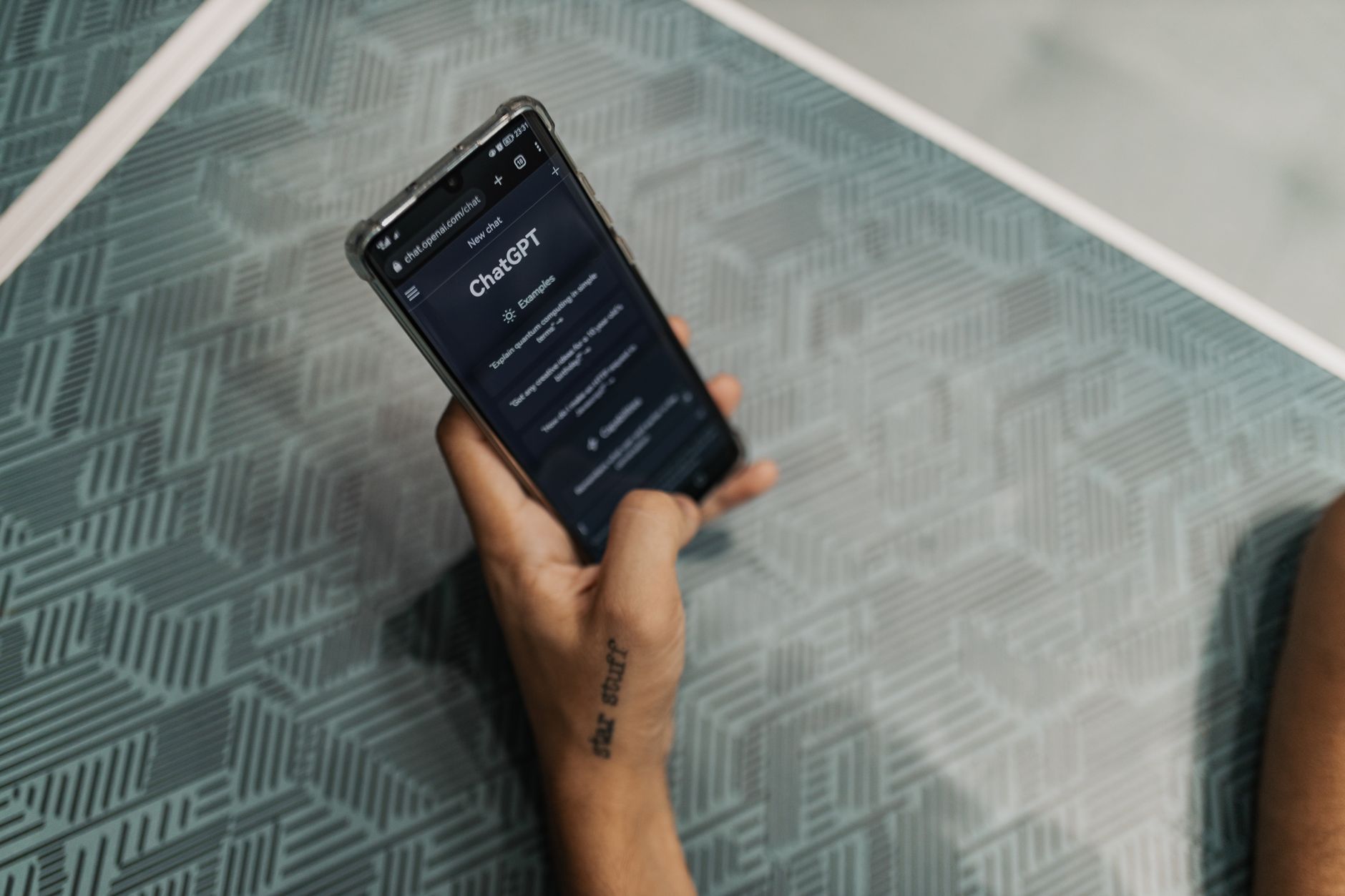
Study Mode has been inside ChatGPT since mid-2025, and it is still one of the more underused features on the free plan. Turn it on from the tools menu and ChatGPT stops just answering your question. Instead, it asks you questions back, gives hints, and checks whether you actually understood the material before moving on.
It is closer to a patient tutor than a search engine. If you ask it to explain a topic, it will often push you to attempt an answer first rather than handing you a paragraph to copy. You can switch back to normal ChatGPT whenever you just need a quick, direct answer, so it is not locked or restrictive. Study Mode rolled out on the Free, Plus, Pro, and Team plans, so you do not need a paid subscription to try it.
Tip: if you are a student, try Study Mode on a topic you already understand first. That way you can judge how good its questions actually are before trusting it with something you are still learning.
Who This Is Actually Useful For
A few realistic examples make this easier to picture:
- A secondary school teacher who wants help drafting a lesson plan or a rubric without spending a Saturday on it.
- A university student revising for an exam who wants to be quizzed instead of just re-reading notes.
- Someone switching careers into a more AI-aware role who wants a short, structured intro rather than a scattered YouTube binge.
- A small business owner who wants to understand what “using AI at work” actually looks like day to day, beyond the hype.
From working on websites, online tools, and digital projects for a while now, I have noticed the same pattern with almost every “learn AI” platform: the ones that stick are the ones built around a real task, not a certificate. OpenAI Academy leans that way, and so does Anthropic Academy, which takes a similar practical approach from a different company.
How to Get Started This Weekend
Getting into either feature takes a few minutes:
- Visit OpenAI Academy and pick the track that matches your role: knowledge worker, builder, leader, or educator.
- Open ChatGPT, click the tools menu, and select Study to turn on Study Mode for your next question.
- If you teach, check the Teach and Learn with AI track and the educator Skills Jam sessions for a more guided option.
If you want a broader map of where else to learn AI for free, including options outside OpenAI’s own ecosystem, our beginner-friendly roadmap for learning AI without spending anything is a good next stop. And if your interest leans more toward research than teaching, OpenAI also just opened a separate free academic plan for university research labs, which is a different program aimed at a different audience.
For readers who want to compare notes across companies, Anthropic has its own structured path through Claude Frontier Academy, aimed at training a much larger number of people in applied AI engineering. None of these programs are identical, but together they show a pattern worth noticing: the big AI labs are investing seriously in free education, not just free trials.
Common Questions
Is OpenAI Academy really free?
Yes. OpenAI describes it as a free learning platform, and the tracks for knowledge workers, builders, leaders, and educators are open to join without a listed fee.
Do I need ChatGPT Plus to use Study Mode?
No. Study Mode rolled out to Free, Plus, Pro, and Team plans, so a free ChatGPT account is enough to try it.
Is this the same as OpenAI’s Rosalind Academic Plan?
No. Rosalind is a separate program focused on giving university research labs free access to AI tools for science, while OpenAI Academy and Study Mode are aimed at everyday learners, teachers, and workers.
Can teachers use this outside the US?
OpenAI’s post specifically mentions the AI for Educators course becoming available in Brazilian Portuguese, which suggests the educator track is being rolled out to more regions and languages over time, not kept to one country.
Final Takeaway
You do not need a budget or a certificate to start learning how AI actually fits into your work or your studies. OpenAI Academy and Study Mode are both free right now, both genuinely useful if you pick the right track, and both worth ten minutes of your weekend to try. Start small, pick one real task you want help with, and let the tool prove itself on that before building a bigger habit around it.




0 Comments