BRIGHTMIND AI
Simple AI, tools, research, and future-skills updates

How to check website ranking

How to Check Website Ranking

To check website ranking, there is a unique free tool for you that is known as MozBar

Moz extension is a google chrome extension for free that analyse your website health and it helps you to improve your post keywords as well.

Such as; which website title is best for you as well as it can help you to show that which keyword is most searching on google by audions.

You can use that keywork in your post title and grow your website traffic and increase rating and ranking Top on google search.

Create your free account on the Mozbar and verify from email inbox.
To start searching and exploring its tools check the screenshot below.

The above tools from FREE SEO Tools Tab will help you to use this tool as shown below.

Below is the screenshot of keyword search and its traffic every month on google on Mozbar.

This tool also show your website ranking that is known as
The Page Authority and Domain Authority (PA and DA) means, your website ranking on google out of 100%. If your website score 5% means it need more improvement by adding more better posts and more better keywords to real organic traffic.

You can compare different websites as well on MozBar to check how your website and others website ranking.

I hope this post may helpful for you to start Posting nice content for your website and increase your website health.

How can i make my Post title attractive?

To improve your post title always use catchy words such as; How to, Best, Free, Amazing, Enjoy etc these are keywords that catch attention and improve your post title score as well.

Make sure the title should not too long to read. Maximum 5-7 words

Thank you for reading my blog. How you found my blog please comment below!

Newsfeed
Latest Technology & Education News

ChatGPT vs Gemini vs Claude: Which AI Tool Is Right for You?

You have heard of ChatGPT. Maybe you have also heard of Gemini or Claude. But when you sit down to actually use an AI tool, the question hits you: which one should I actually pick? All three are powerful. All three are free to try. But they are not the same — each one...

AI Tools for Students: How to Use Them Without Cheating

The truth is, AI tools are already part of student life. The real question is not whether to use them, but how to use them the right way. This guide explains which AI tools are genuinely useful for students, what you can and cannot do with them, and how to stay on the...

Useful AI Tools for Daily Work and Study

AI tools are no longer only for technology experts. Today, many people use them for writing, studying, planning, research, emails, presentations, and daily productivity. The important question is not only “Which AI tool should I use?” A better question is: “How can I...

Useful AI Tools for Daily Work and Study

AI tools can help people save time in many daily tasks. Students can use them to summarize notes, researchers can use them to organize papers, and workers can use them to write emails, prepare reports, or plan tasks. The important thing is to use AI tools wisely. They...

More for you

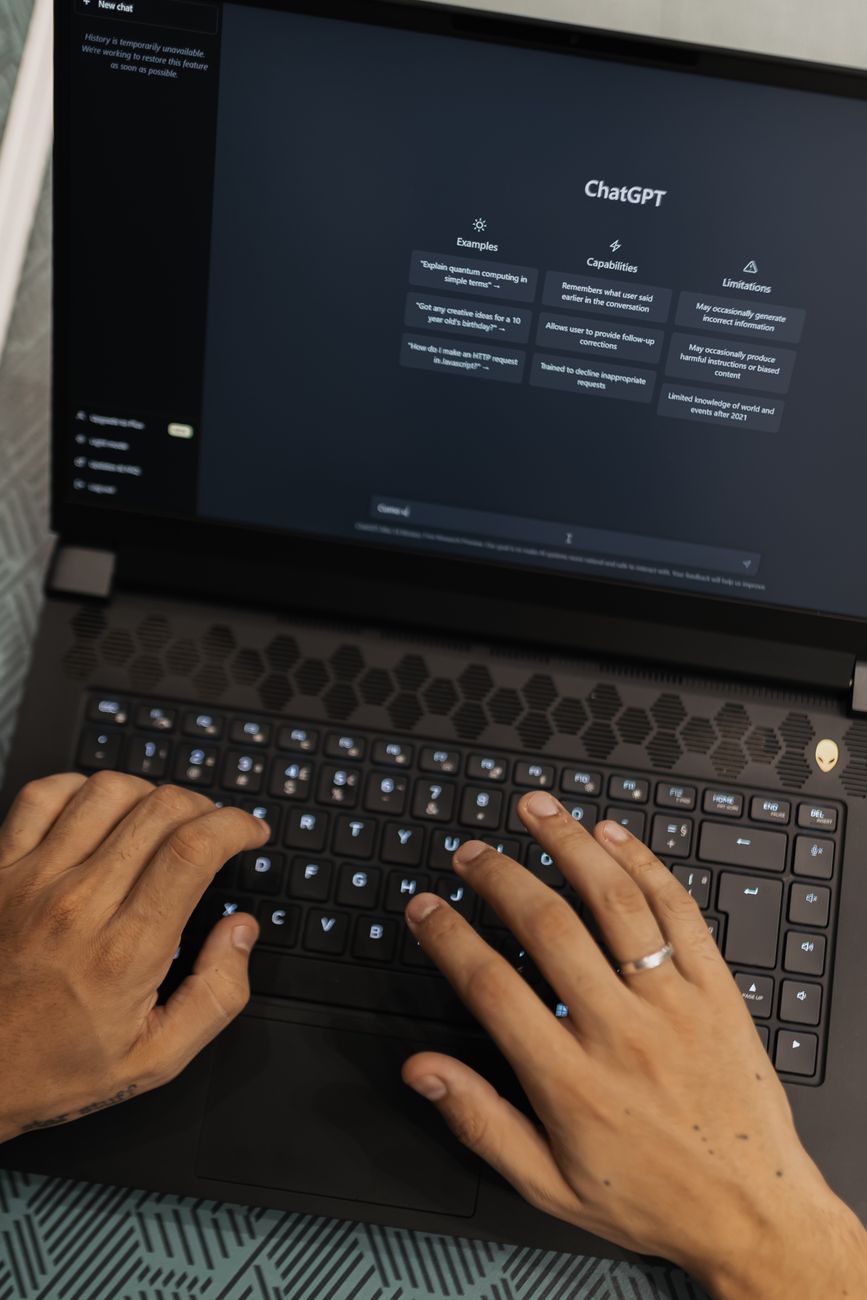
Person typing on a laptop using AI tools including ChatGPT, Gemini, and Claude

ChatGPT vs Gemini vs Claude: Which AI Tool Is Right for You?

ChatGPT, Gemini, and Claude are three of the most popular AI tools available today. This guide compares them in plain English so you can choose the one that works best for you.

robot pointing on a wall

How to Check If a Photo or Video Is AI-Generated (Google’s New Tools Explained)

Google’s SynthID and Content Credentials tools are coming to Search and Chrome, making it easier to check if an image or video was made or edited by AI. Here’s how it works and how to use it.

students studying in modern library setting

AI Tools for Students: How to Use Them Without Cheating

AI tools can make studying smarter and faster — but only if you use them the right way. Here’s how students can get real value from AI without crossing the line into academic dishonesty.

0 Comments

Submit a Comment

Your email address will not be published. Required fields are marked *

Verified by MonsterInsights