BRIGHTMIND AI
Simple AI, tools, research, and future-skills updates

Samsung unveils a 12.4-inch rollable OLED panel

Samsung unveils a 12.4-inch rollable OLED panel

During the recent Display Week trade show held in Los Angeles, Samsung unveiled an impressive 12.4-inch rollable OLED panel, which has the potential to revolutionize the display industry. While rollable display concepts have been introduced before, Samsung’s innovation stands out from the competition due to its significant advancements. This groundbreaking display is not only the largest rollable panel seen to date but also rolls up into a compact scroll, adding to its appeal and practicality.

At the recent Display Week trade show in Los Angeles, Samsung showcased a remarkable 12.4-inch rollable OLED panel that introduces significant advancements to the display industry. One standout feature of this innovation is its impressive scalability, ranging from 49mm to 254.4mm. This represents a remarkable 5x scalability, surpassing the current sliding screens that can only expand up to 3x their original size. Samsung Display accomplished this feat by implementing an O-shaped axis design, reminiscent of a scroll, which they aptly named Rollable Flex. Notably, the panel has the capability to be completely rolled up, adding to its versatility and user-friendly design.

Samsung showcased the Rollable Flex, a fully rollable OLED panel, and the Flex In & Out OLED panel at the Display Week trade show. The Flex In & Out panel allows bending in both directions, unlike current technology used in devices like the Galaxy Flip4 and Fold4.

Last, but not least, the Korean tech giant also introduced the world’s first OLED panel with an integrated fingerprint reader and heart rate sensor. Current implementations rely on a small sensor area while Samsung’s solution allows you to unlock the handset with a touch of a finger anywhere on the screen surface. It has embedded the light-sensing organic photodiode (OPD) into the panel itself. The tech can also read blood pressure, heart rate and stress by monitoring the blood vessels’ contraction and relaxation.

Newsfeed
Latest Technology & Education News

ChatGPT vs Gemini vs Claude: Which AI Tool Is Right for You?

You have heard of ChatGPT. Maybe you have also heard of Gemini or Claude. But when you sit down to actually use an AI tool, the question hits you: which one should I actually pick? All three are powerful. All three are free to try. But they are not the same — each one...

AI Tools for Students: How to Use Them Without Cheating

The truth is, AI tools are already part of student life. The real question is not whether to use them, but how to use them the right way. This guide explains which AI tools are genuinely useful for students, what you can and cannot do with them, and how to stay on the...

Useful AI Tools for Daily Work and Study

AI tools are no longer only for technology experts. Today, many people use them for writing, studying, planning, research, emails, presentations, and daily productivity. The important question is not only “Which AI tool should I use?” A better question is: “How can I...

Useful AI Tools for Daily Work and Study

AI tools can help people save time in many daily tasks. Students can use them to summarize notes, researchers can use them to organize papers, and workers can use them to write emails, prepare reports, or plan tasks. The important thing is to use AI tools wisely. They...

More for you

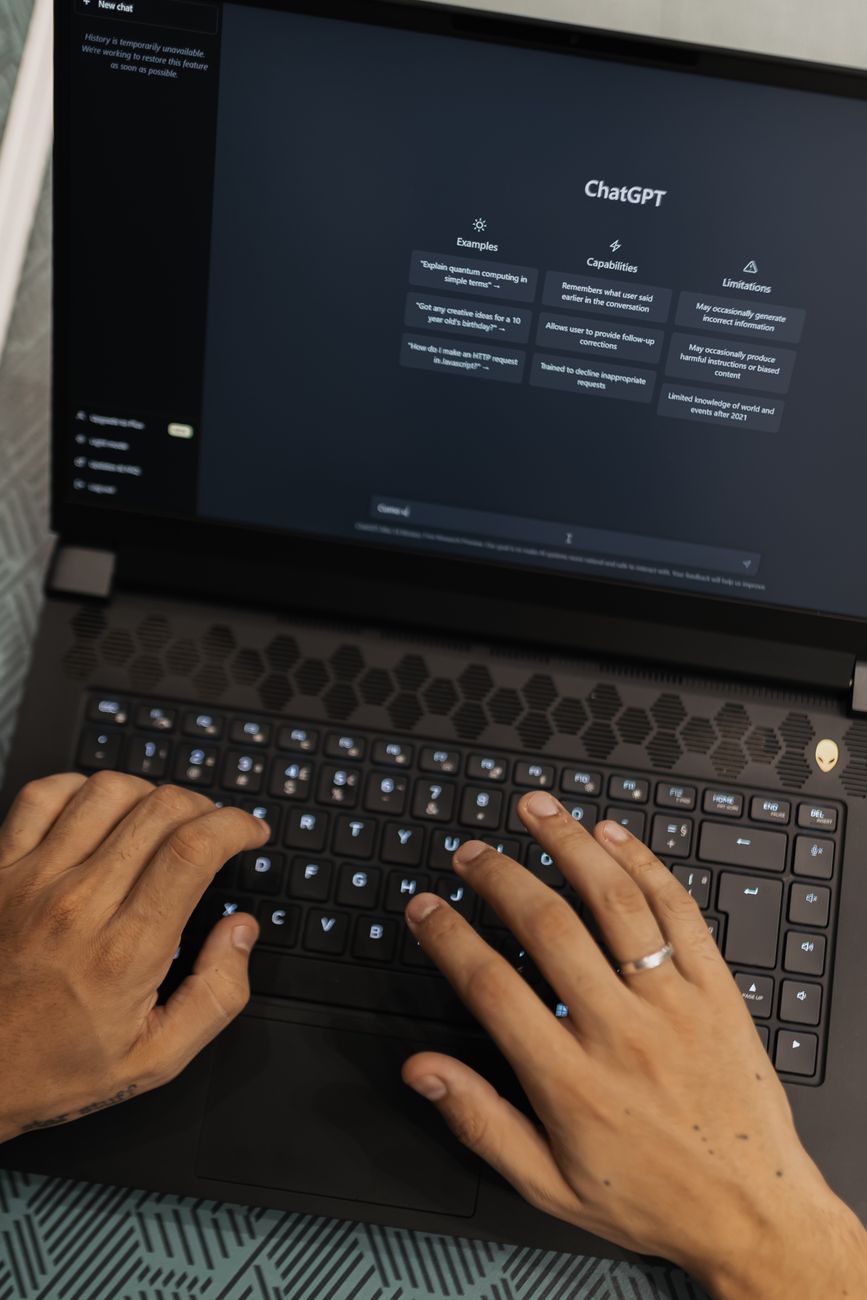
Person typing on a laptop using AI tools including ChatGPT, Gemini, and Claude

ChatGPT vs Gemini vs Claude: Which AI Tool Is Right for You?

ChatGPT, Gemini, and Claude are three of the most popular AI tools available today. This guide compares them in plain English so you can choose the one that works best for you.

robot pointing on a wall

How to Check If a Photo or Video Is AI-Generated (Google’s New Tools Explained)

Google’s SynthID and Content Credentials tools are coming to Search and Chrome, making it easier to check if an image or video was made or edited by AI. Here’s how it works and how to use it.

students studying in modern library setting

AI Tools for Students: How to Use Them Without Cheating

AI tools can make studying smarter and faster — but only if you use them the right way. Here’s how students can get real value from AI without crossing the line into academic dishonesty.

0 Comments

Submit a Comment

Your email address will not be published. Required fields are marked *

Verified by MonsterInsights