
“Do I need to learn programming first?” That one question stops a lot of people before they even start with AI. If you have ever felt that this stuff belongs only to coders and data scientists, this post is for you.
Here is the honest answer. You can learn AI without coding, and some of the best free courses online were built for exactly that. If you can send an email and use a web browser, you already have enough to begin. Let’s look at what “no code” learning actually covers, and where to start for free.
Can you really learn AI without coding?
Yes. To understand what AI is, how it makes decisions, and how to use it well, you do not need to write a single line of code. Coding matters when you want to build AI systems from scratch. It is not required to understand them or to put them to work in your job and study.
If you are brand new, it helps to get the basics down first. Our simple guide on what AI is explains the core idea in plain words before you pick a course.
Using AI vs building AI
It helps to split AI learning into two paths.
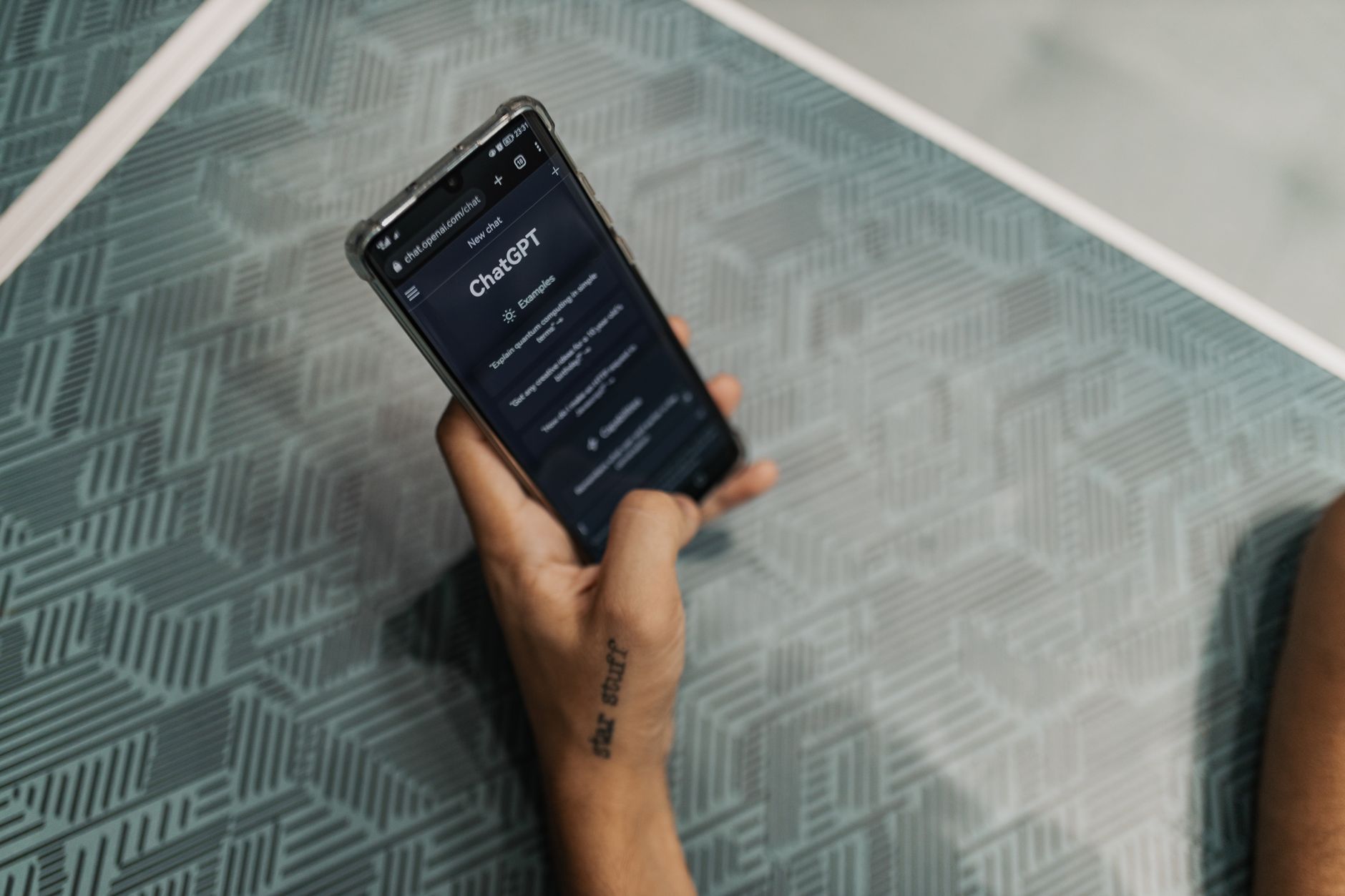
- Using AI: writing good prompts, working with tools like ChatGPT or Gemini, summarizing documents, drafting emails, and checking ideas. No coding needed.
- Building AI: training models, working with data, and writing code in languages like Python. This is the engineer path.
Most people reading this want the first path. The courses below focus on understanding AI and using it with confidence, not on programming.
Elements of AI: the best free starting point
If you only take one course, start here. Elements of AI was created by the University of Helsinki and MinnaLearn, and it was designed for complete beginners. There is no programming and no heavy math.
It is split into six short chapters that explain machine learning, neural networks, and the real limits of AI in clear language. It is completely free, self-paced, and you get a certificate when you finish. More than a million people across over 170 countries have already taken it, so you are in good company.
AI For Everyone by Andrew Ng
AI For Everyone is a well-known non-technical course from Andrew Ng, one of the most respected teachers in the field. It runs about six hours and needs no coding, no equations, and no prior experience.
It is strongest at one thing: helping you understand what AI can and cannot realistically do, and how to spot where it fits in real work. On Coursera you can audit the videos and readings for free. You only pay if you want the shareable certificate.
Google’s free AI courses
Google offers two beginner options worth knowing. The first is Introduction to Generative AI on Google Cloud Skills Boost. It takes about 45 minutes, costs nothing, and explains generative AI in plain terms for non-technical people. Finish the short path around it and you earn a free skill badge.
The second is Google AI Essentials, which focuses on practical AI skills for everyday work. No experience is required. You can audit the lessons for free, though the certificate is paid. If you want a wider list, we compared the main free AI courses from Google, Microsoft, and Kaggle in a separate guide.
Microsoft Learn and learning by doing
Microsoft Learn has free training paths that introduce AI concepts and tools at your own pace, which makes it a good next step once you have the basics.
Here is the part people skip. The fastest way to learn AI without coding is to open a free tool and actually use it. From years of working with websites and online tools, I have found you rarely learn software by reading about it. You learn it by trying things and seeing what happens.
One habit worth keeping from the cybersecurity side: do not paste private, financial, or work-sensitive details into a chatbot or a course exercise. Treat anything you type as something that could be stored somewhere.
Quick tip: pick one course and finish it before signing up for five. A single completed course teaches you far more than ten half-watched ones, and it gives you a real sense of what to learn next.
A simple free plan to follow
- Week 1: read a short explainer and start Elements of AI.
- Week 2: finish Elements of AI, or watch AI For Everyone.
- Week 3: take Google’s Introduction to Generative AI and practice with a free tool every day.
- Week 4: if you want proof of your skills, look at a free AI certification to add to your CV.
Common Questions
Do I need to be good at math to learn AI?
No. To use AI and understand the main ideas, you do not need advanced math. Elements of AI and AI For Everyone were both built for people with no math or coding background.
Are these courses really free?
Elements of AI and Google’s Introduction to Generative AI are free, including the basic certificate or badge. AI For Everyone and Google AI Essentials are free to audit, but the shareable certificate costs money.
Can a no-code course help me get a job?
It can help you use AI with confidence at work, which is valuable in almost any role today. For a technical AI job you will eventually need coding, but understanding and using AI well is a strong and realistic first step.
Final takeaway
You do not need to be a programmer to understand AI or to put it to work. Start with one free course, ideally Elements of AI, practice with a free tool, and build from there. The barrier to entry is much lower than it looks. If you want more no-cost options, our guide on how to learn AI for free is a good next read.




0 Comments